

Description
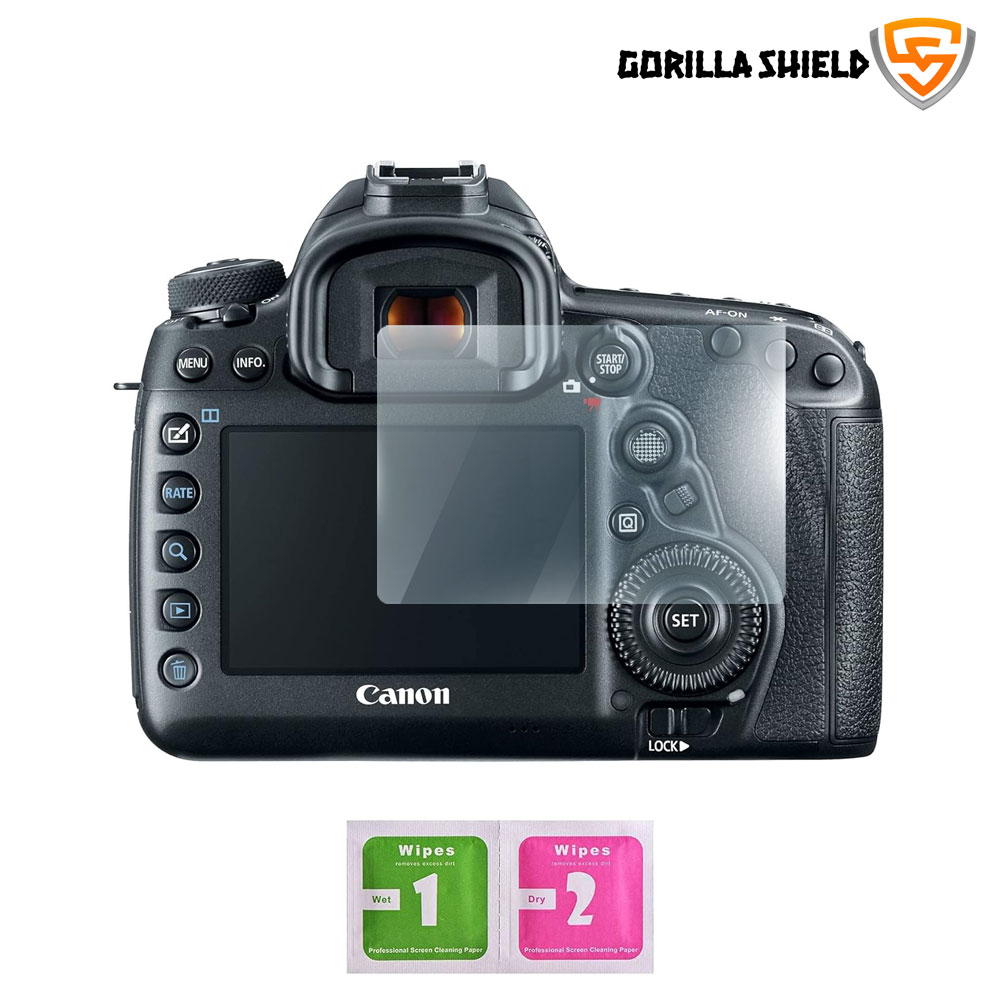
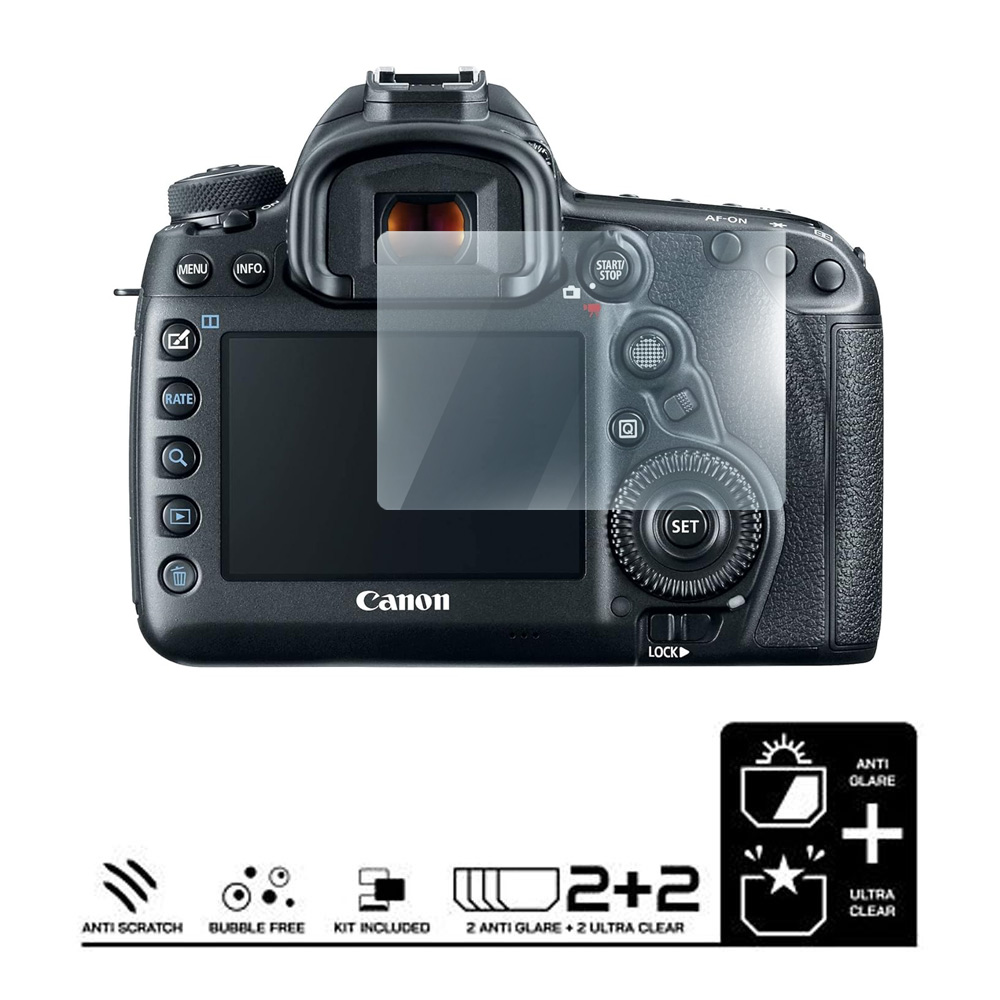
Canon EOS 5D Mark IV DSLR Camera Screen Guard
Key Features
Superior Protection: Effectively shields your camera screen from scratches, minor impacts, and harmful UV rays—keeping your dashboard safe and shiny at all times.
Scratch & Impact Resistant: This screen guard for camera accessories seals off existing marks and scratches beneath it, bringing back your display’s original shine with a glossy new finish.
Easy to Clean: The scratch guard for camera screen lets you wipe away dirt, grease, or fingerprints easily without worrying about scratches, keeping your display spotless with its smudge-resistant coating.
Crystal-Clear Visibility: With 99% transparency and high-definition clarity, it preserves your screen’s brightness and readability, even under sunlight.
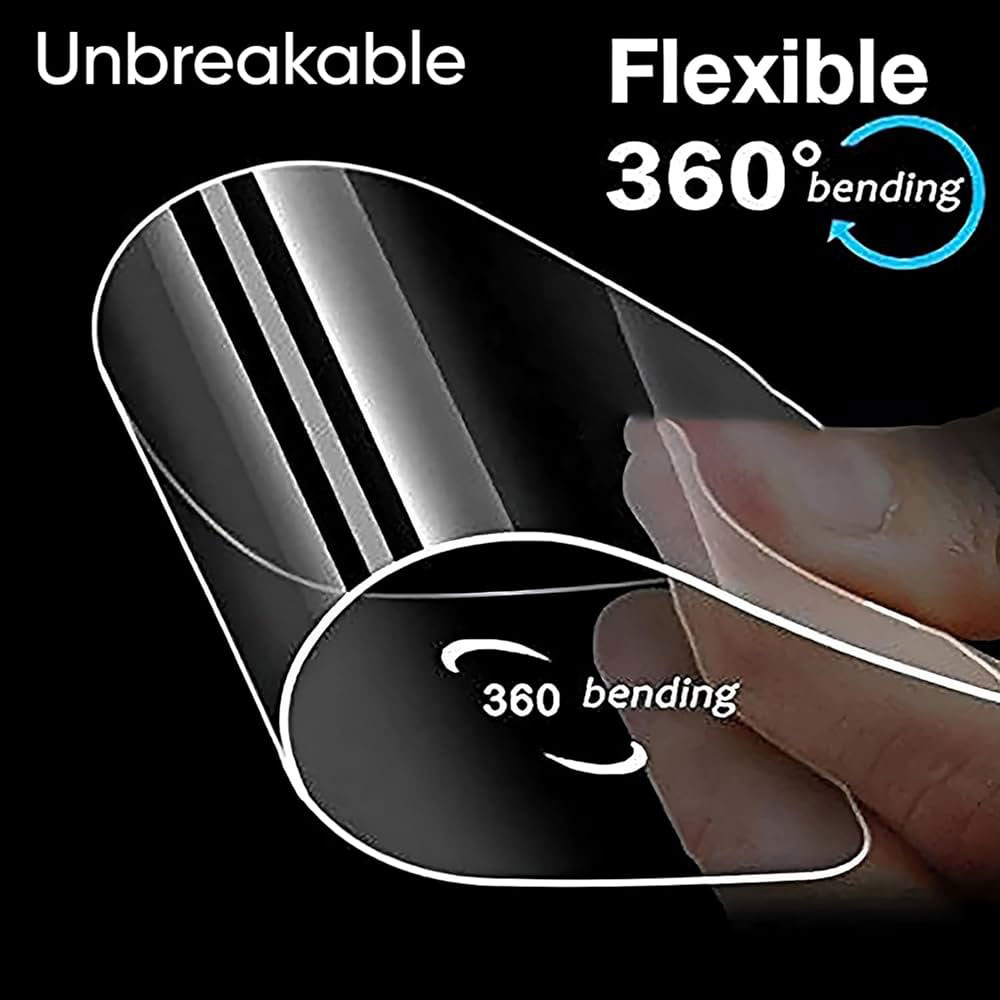
Ultra-Thin & Highly Responsive: Measuring only 0.4 mm, this ultra-thin film guarantees smooth touch sensitivity—ensuring your bike’s touchscreen operates seamlessly with no lag.
Effortless Installation: Enjoy a bubble-free application process with a tailor-made fit for your model. Once installed, it’s nearly invisible and blends perfectly with your dashboard.
High Definition & Transparency
- Maintains the original brightness and sharpness of your TFT display.
- Provides a glossy finish for a premium look.
- Protects against fingerprints, moisture, and light drops.
- Ensures a smooth, pressure-sensitive touch experience.
Screen Guard Specifications
Type: 9H+ Camera Screen Protector
Material: Polyethylene Terephthalate (PET)
Thickness: 0.4 mm (Ultra-Thin)
Color: Transparent (3-Layer Protection)
Quantity: 1 Piece + Get Free 1 Piece
Package Includes: 2 x Screen Protector, 1 x Wet Wipe, 1 x Dry Wipe, 1 x Cleaning Cloth
Why Choose This?
- Keeps your camera screen scratch-free and spotless.
- Offers superior transparency for safe riding.
- Easy installation and removal.
- Long-lasting and weather-resistant protection
Important Notes
- Installation should be done by a professional or nearby sticker shop for best results.
- Do not use air guns during installation.
- After applying, wait at least one hour before using the camera.
Installation Instructions
- Spray cleaning liquid on the camera screen and wipe it clean with a microfiber cloth (ensure it’s dust-free).
- Remove the label, spray the liquid on the adhesive side, and carefully stick the film.
- Smooth out any air bubbles gently using an ATM card or squeegee.
- Wipe off excess liquid and clean with a microfiber cloth.
- Done! Your camera screen guard is now ready to shield your screen.
Uninstallation
- Use warm water to loosen the adhesive.
- Gently peel off the film from bottom to top without force.


